- We have used Fontiran in this project. Fontiran is a copyrighted material, please refer to https://fontiran.com/
Credit goes to:
For provinces illustration:
Peyman Salehi (https://github.com/peymanslh/iranmap).
For counties illustration:
Ali Zifan(Wikipedia illustrator) and National Cartographic Center(NCC of Iran)
For source code(CSS and javascript) inspiration:
MohammadReza Pourmohammad
For writing bash scripts and SQL queries to produce JSON files:
Siavash Shahrooian
Features:
1- Sorting ascending or descending based on Persian alphabetic order or quantity values by clicking on the
corresponding header field.
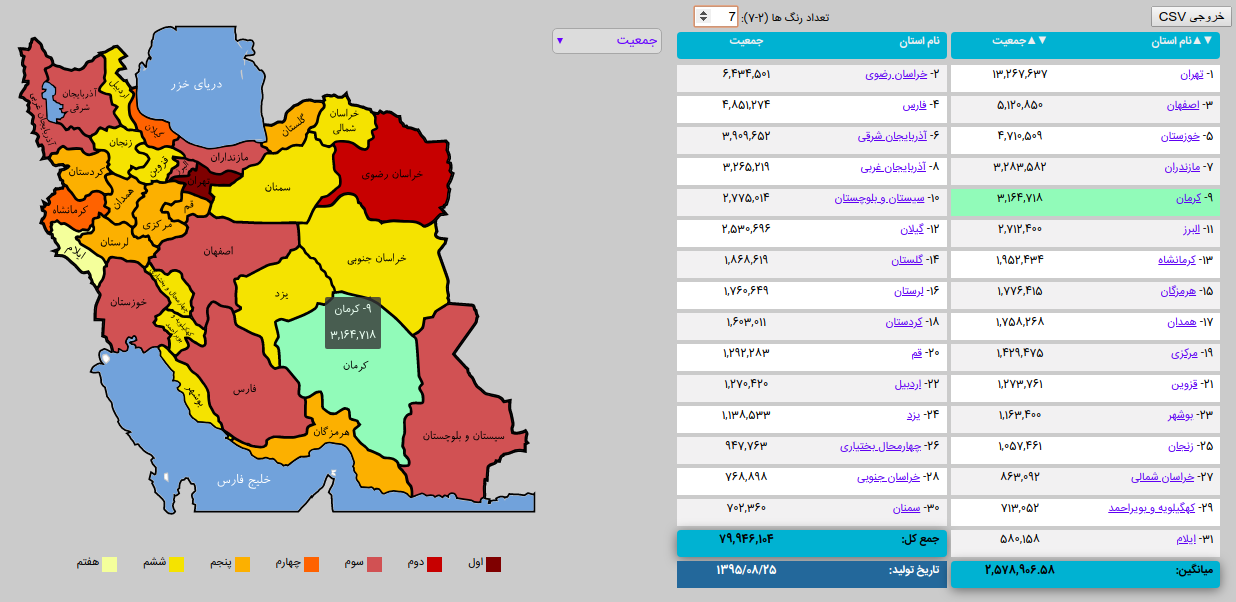
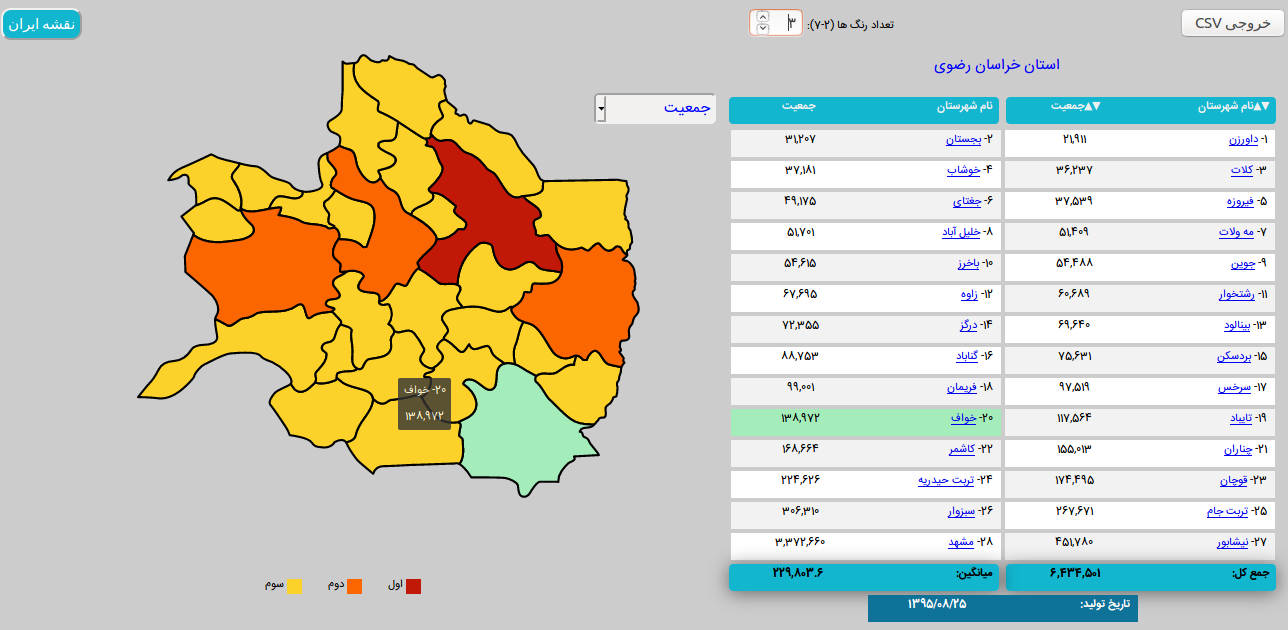
2- Visualization(colorize) of one quantity on the map (Shades of Red -> Shades of Orange -> Shades of Yellow)
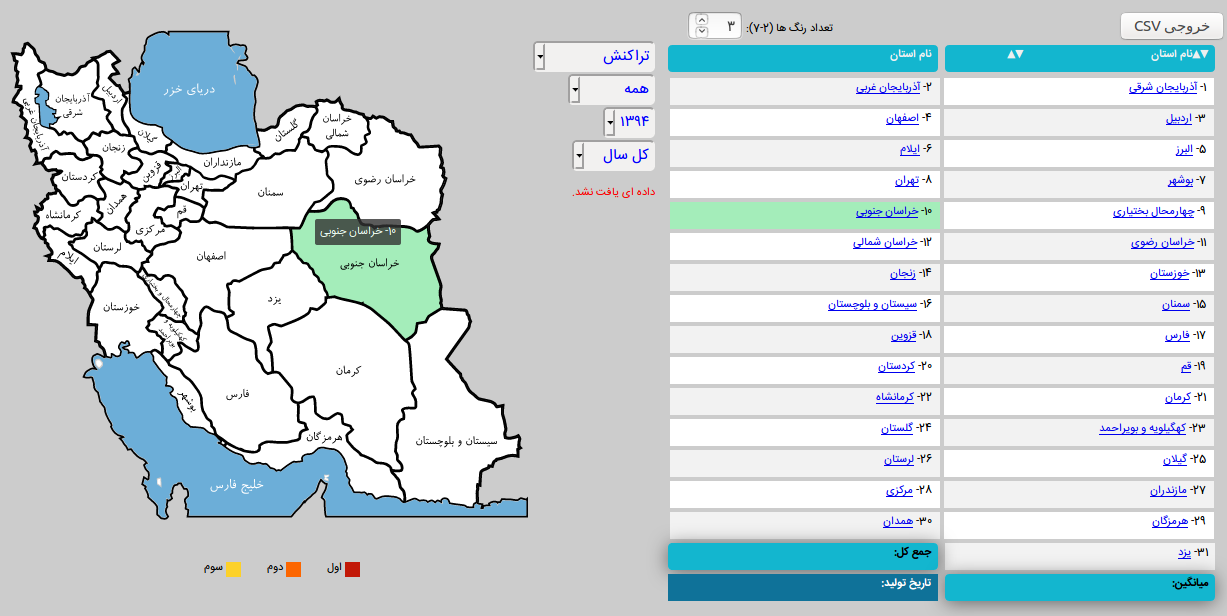
3- Load corresponding JSON file based on a dropdown menu or combo box selection.
4- Linked hover effects between map and list of provinces/counties.
5- Displaying counties by clicking on each province.
6- Can be used embedded in another page or application (No need to use refresh or back button of web browser).
7- Embedded data in tables can be exported as CSV file.
8- Inside JSON files, you can use your own provinces/counties names independent of our naming convention inside html files.
To do so, you need to define a dictionary in ./js/dicts and also set the value of "Dict" key in your JSON file.
Helpful web pages:
To find the correct pronunciation of provinces/counties and administrative divisions:
1- http://gndb.ncc.org.ir/Pages/Search.aspx?d=/P7sSJu73Xk1SDaQgdXzg9yLRc7daMW7&r=yolswon3
2- https://en.wikipedia.org/wiki/Counties_of_Iran
3- http://irdv.ncc.org.ir/
To get the recent population data:
https://www.amar.org.ir/
Python tool to convert shapefile to SVG:
https://mapshaper.org/
Color Palette:
https://www.color-hex.com/color-palette/86342
https://www.color-hex.com/color-palette/86343
Usage hints:
0- Unrar the JSON_Files.rar
1- To add new items to dropdown menu: populate select tag in iranmap.html file.
2- In case you want to try it locally using Chromium browser: you should run it over a web server
Due to: Cross origin requests are only supported for protocol schemes: http, https.
For bringing up a simple web server you can use the following command:
Python2: python -m SimpleHTTPServer
Python3: python -m http.server
3- To replace relative paths in *nix systems:
find . -type f -exec sed -i 's///g' {} +