Starlight is a web application that generates preview images for GitHub repositories.
Starlight is built with the following technology stack:
- Node.js
- Express.js
- EJS
- Puppeteer
Node.js is the application runtime, Express.js is a backend web application framework for Node.js, EJS is a simple templating engine used to generate HTML pages dynamically, and Puppeteer is a Node.js library that provides a high-level API to control Chrome or Chromium over the DevTools Protocol.
To get an image containing a preview of your repository, follow the link:
https://api.webstray.com/starlight/user/{username}/repository/{repository}
Replace {username} and {repository} in the URL with the username and repository name of your GitHub project.
For example, to get a preview for this repository, we'd follow this link:
https://api.webstray.com/starlight/user/webstraycom/repository/starlight
To use the generated repository preview on GitHub, add the following line to your README.md file:
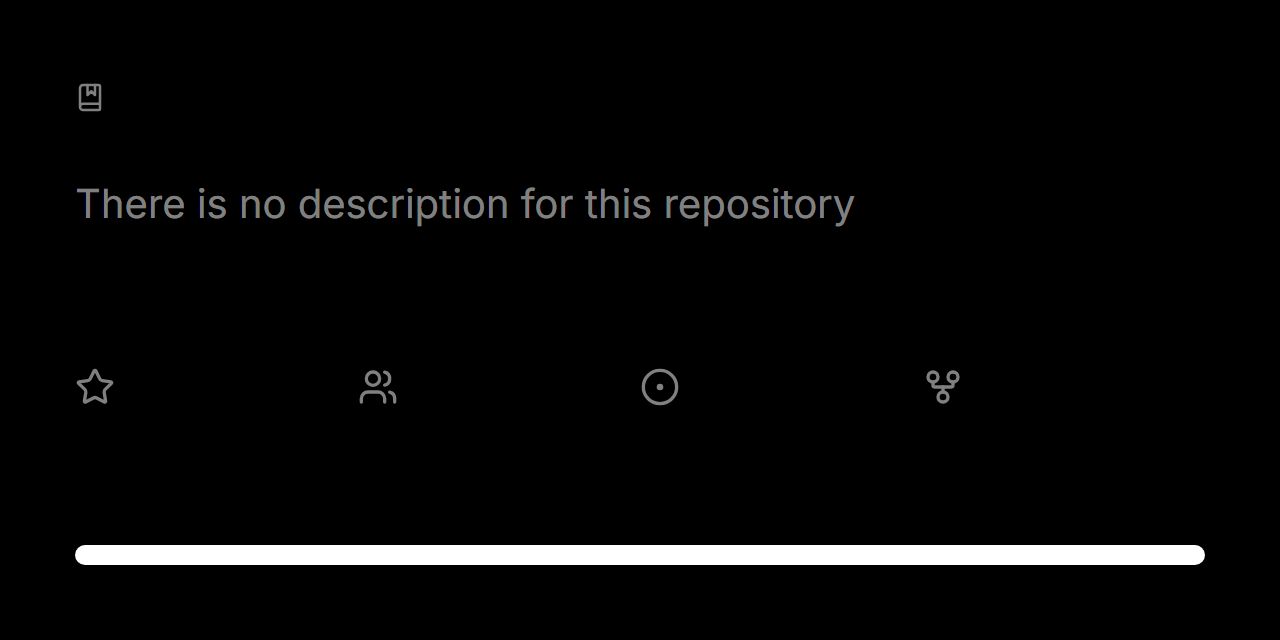Congratulations! You've successfully added a preview of your repository to your README.md file.
If you have any problems adding the preview to your repository, you can always look at the README.md file of this repository as an example.
You can style your repository preview using URL parameters.
Below you can find a list of available generation parameters, as well as their descriptions and examples of their use.
The singleLanguage parameter is used to display only one, primary language, on the language bar instead of several.
To use this parameter, pass it in the request URL:
https://api.webstray.com/starlight/user/{username}/repository/{repository}?singleLanguage=true
The borderRadius parameter is used to add corner rounding to the generated preview.
This parameter accepts an integer value, the value of which determines the degree of corner rounding.
To use this parameter, pass it in the request URL:
https://api.webstray.com/starlight/user/{username}/repository/{repository}?borderRadius=20
The sharpProgress parameter is used to remove the rounding from the language bar and make its corners sharp.
To use this parameter, pass it in the request URL:
https://api.webstray.com/starlight/user/{username}/repository/{repository}?sharpProgress=true
The styledProgress parameter is used to make the language bar monochrome (white or black, depending on the color theme you choose).
To use this parameter, pass it in the request URL:
https://api.webstray.com/starlight/user/{username}/repository/{repository}?styledProgress=true
The customTitle parameter is used to change the displayed title of the repository in the preview to custom text.
This parameter accepts a string value.
To use this parameter, pass it in the request URL:
https://api.webstray.com/starlight/user/{username}/repository/{repository}?customTitle=CustomTitle
The lightTheme parameter is used to change the theme (color scheme) of the generated preview from dark to light.
To use this parameter, pass it in the request URL:
https://api.webstray.com/starlight/user/{username}/repository/{repository}?lightTheme=true
You can also pass multiple parameters in the query string.
For example, if you need to generate a repository preview with a custom title, sharp progress, and a single language, your request would look like this:
https://api.webstray.com/starlight/user/{username}/repository/{repository}?customTitle=true&sharpProgress=true&singleLanguage=true
You can try generating a preview with different parameters on the starlight website.