Show real-time tweets on Google map.
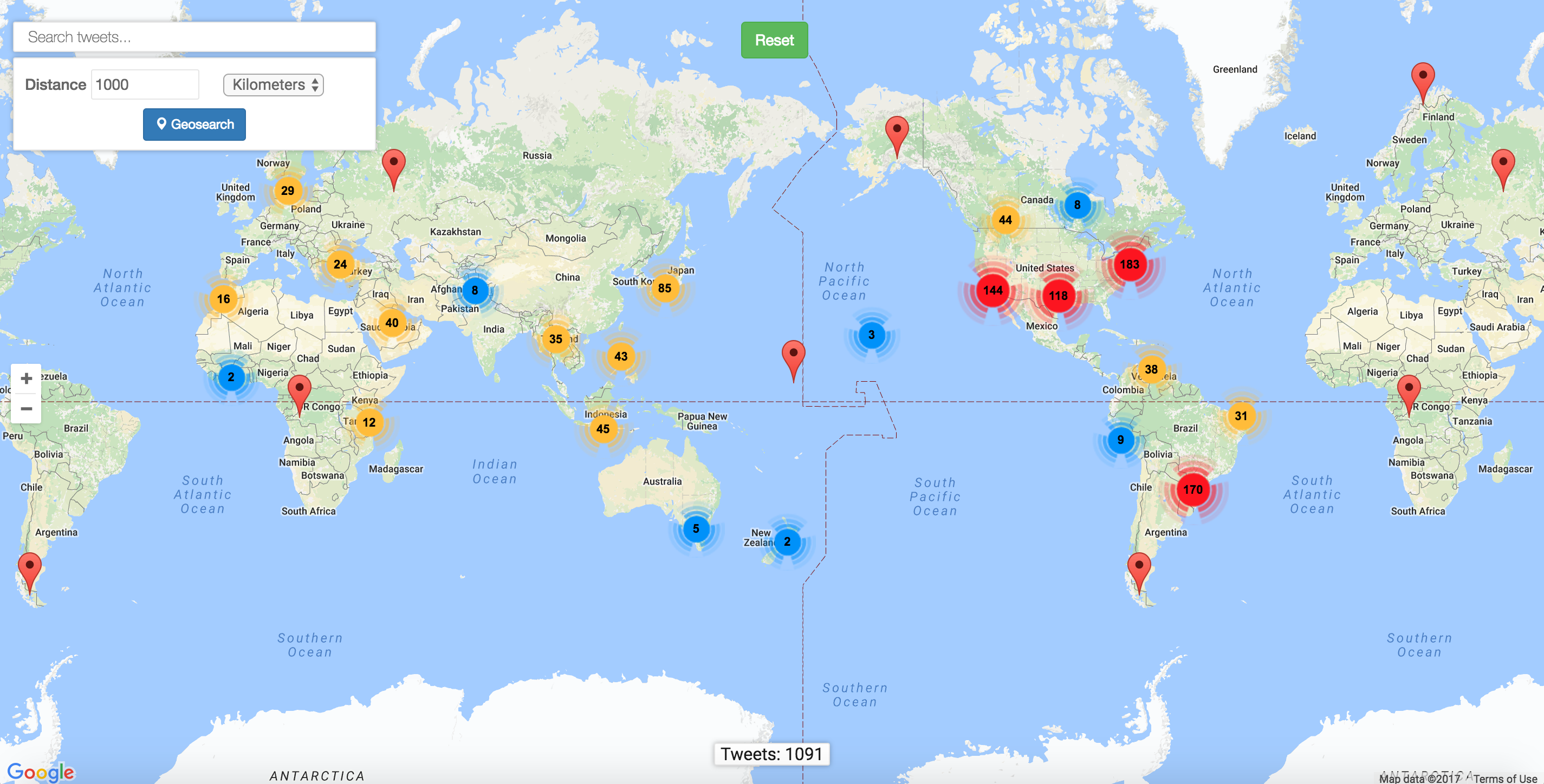
- Real-time tweets streaming
- Elasticsearch
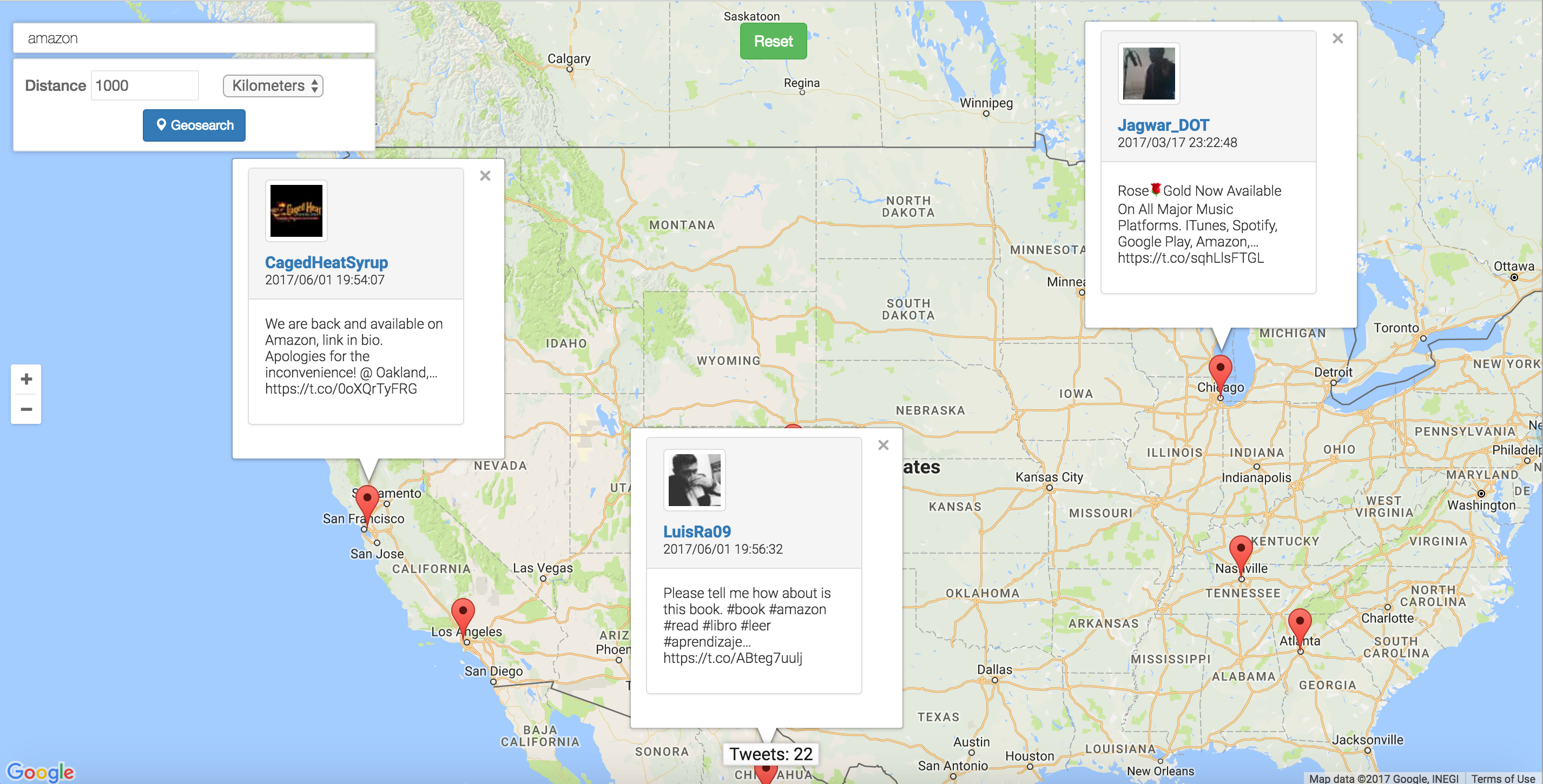
- Keyword-based search
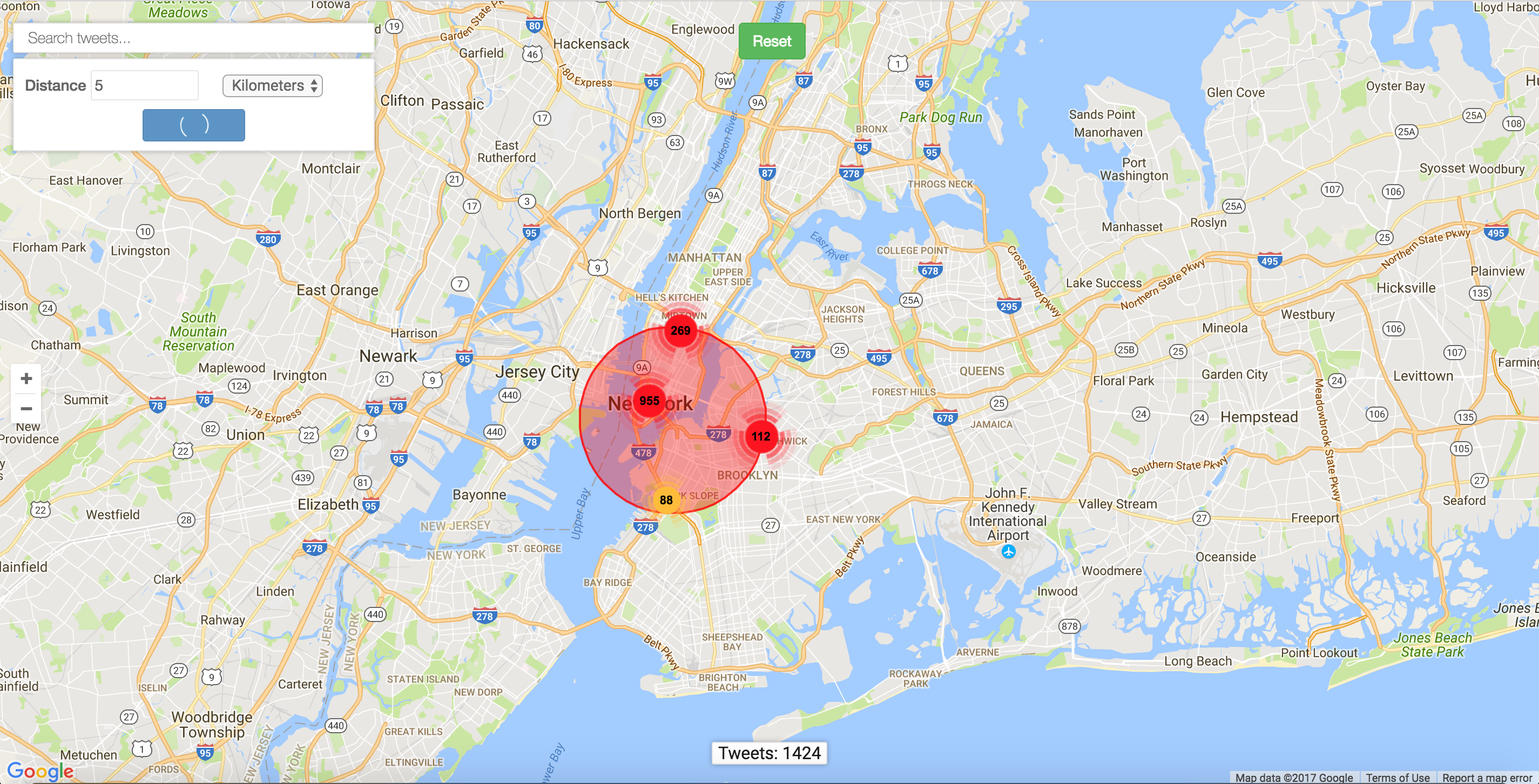
- Geolocation-based search: Search tweets within a distance
- Keyword-based search
- Twitter Streaming APIs
- Google Maps APIs
- Elasticsearch APIs
- Tweepy: Python library for acessing the Twitter API
- Django: Python web framework
- jQuery
- Bootstrap
- AWS Elastic Beanstalk
- AWS Elasticsearch
See setup.cfg
Get consumer_key, consumer_secret, access_token, and access_token_secret from Twitter Streaming APIs
Create an Amazon ES domain, retrieve the end_point (ES URL) and fill it in setup.cfg.
aws es create-elasticsearch-domain --domain-name <DOMAIN_NAME_OF_YOUR_CHOICE> --elasticsearch-version 5.1 --elasticsearch-cluster-config InstanceType=t2.small.elasticsearch,InstanceCount=1 --ebs-options EBSEnabled=true,VolumeType=gp2,VolumeSize=10
aws es describe-elasticsearch-domain --domain <DOMAIN_NAME_OF_YOUR_CHOICE>
- Intialize the EB CLI repository and create an Amazon EB environment. See eb_init.sh
- Add EB's URL to ALLOWED_HOSTS in settings.py
- Clone the repo: https://github.com/xuzebin/TwittMap.git.
- Sign up for Twitter Streaming APIs and fill the keys and tokens in setup.cfg
- Download and install Elasticsearch
- Run
bin/elasticsearch(orbin\elasticsearch.baton Windows) in your terminal to start the search engine. - Run
python manager runserverin another terminal to start the server. - Open your browser and type
127.0.0.1:8000. Done!