T3 Labels
- Introduction
- Getting Started
- Generating PDFs
- Printing PDFs
- Building Label Layouts
- Tutorial
- Next Steps
T3 Labels enables you to design, generate, and print fully customized labels using data directly from Metrc. Whether you're printing product tags, package labels, or compliance stickers, T3 Labels streamlines your entire labeling workflow.
There are three core ideas surrounding T3 Labels:
- Easily create flexible label templates.
- Text, tables, images, and barcodes are all supported.
- Label generation is all done via a standardized API, meaning you can take existing label designs and alter them inside T3 or on your own.
- Label layouts are responsive, so printing the same label layout on a different-sized label is easy.
- Fill label templates with any data from Metrc.
- Any data available in Metrc can be inserted into labels.
- This includes, but is not limited to:
- Plants
- Plant batches
- Packages
- Test results, including THC/CBD totals and top terpenes
- Download labels in PDF format and print them on your own label printer.
- All label printers support the PDF format and require no special software for printing.
- Just open the PDF with any PDF reader and send the labels to your connected printer.
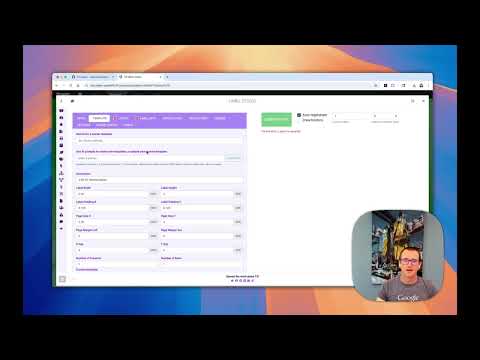
Getting Started with T3 Labels
Guide to Generating Label PDFs
Step-by-step guide to Printing Label PDFs
Learn how to Build Custom Label Layouts
Follow along with step-by-step instructions in the T3 Label Tutorial